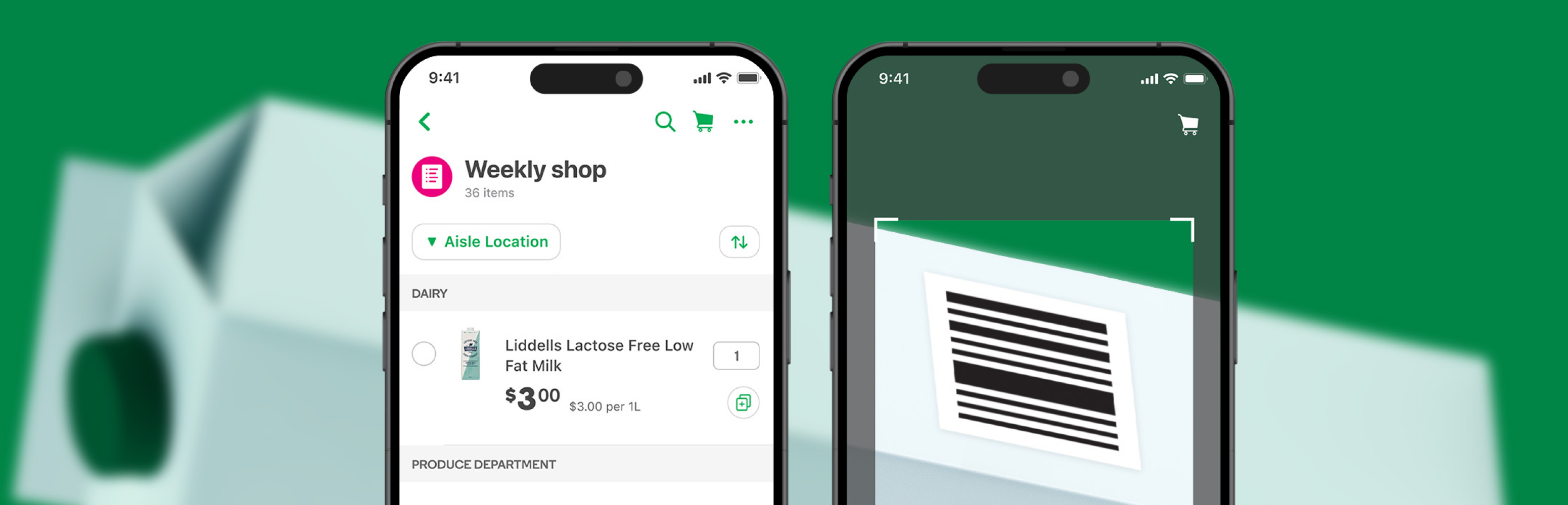
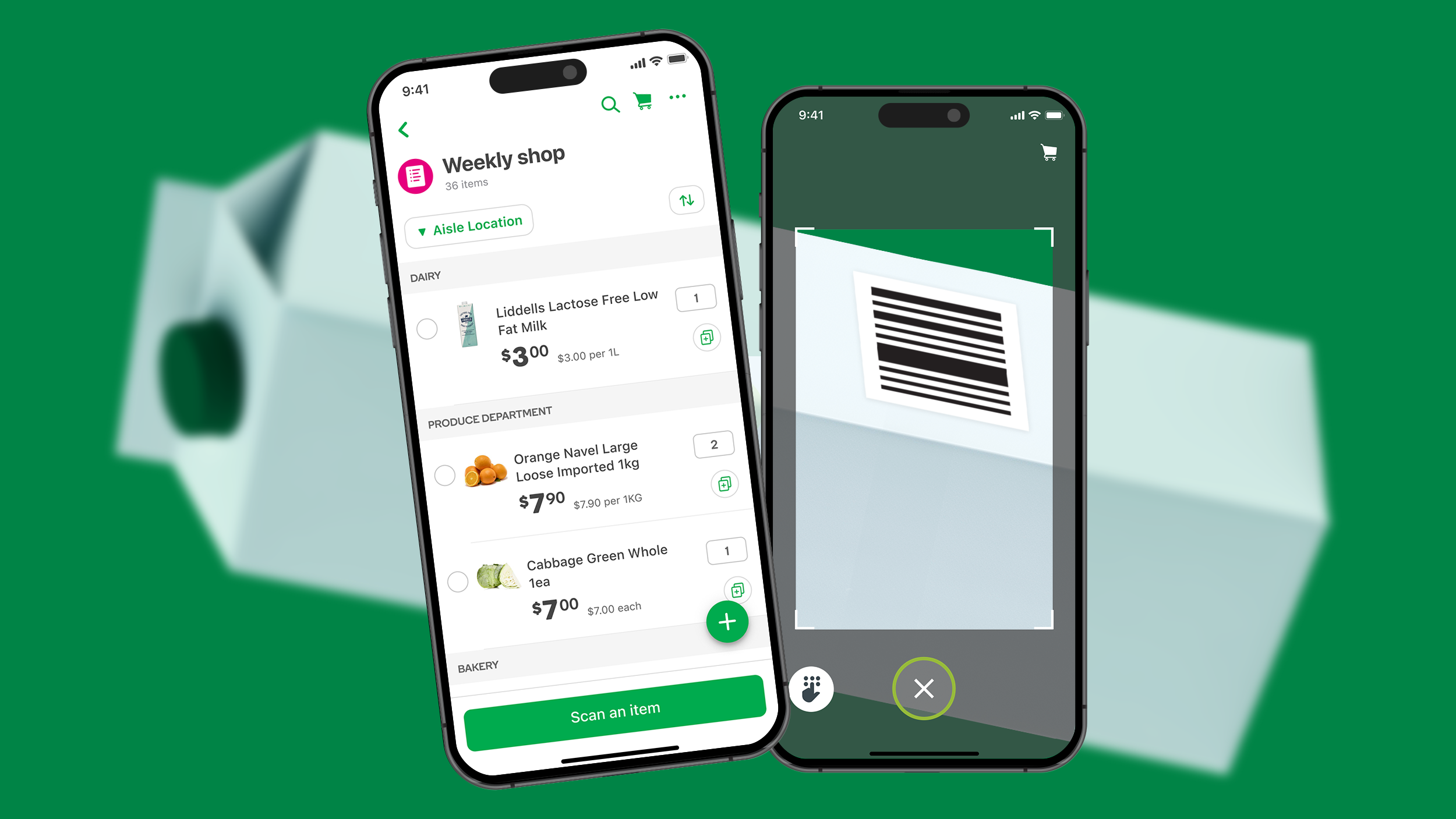
Integrating Woolworths shopping lists into Scan&Go for a more seamless and ergonomic shop.
Scan&Go enables Woolworths customers to scan items in-store as they shop and checkout quickly at a dedicated kiosk. It was originally launched as a standalone app and Scan&Go users would also have the Woolworths app opened in parallel so they can access their Woolworths shopping lists during an active Scan&Go session.
Later on, the standalone app was decommissioned and Scan&Go became integrated into the Woolworths app. This implementation led to a major issue of customers being unable to access their Woolworths shopping lists during an active Scan&Go session. Only Scan&Go's own rudimentary shopping list tool can be accessed. This issue became a top 3 customer detractor, risking adoption of both Scan&Go and Woolworths app lists. It directly challenged WooliesX's strategic goal of orchestrating customers seamlessly across the ecosystem.
Utilising the double-diamond framework, I first explored the problem space through research, then converged on key insights before diverging again to explore solutions.
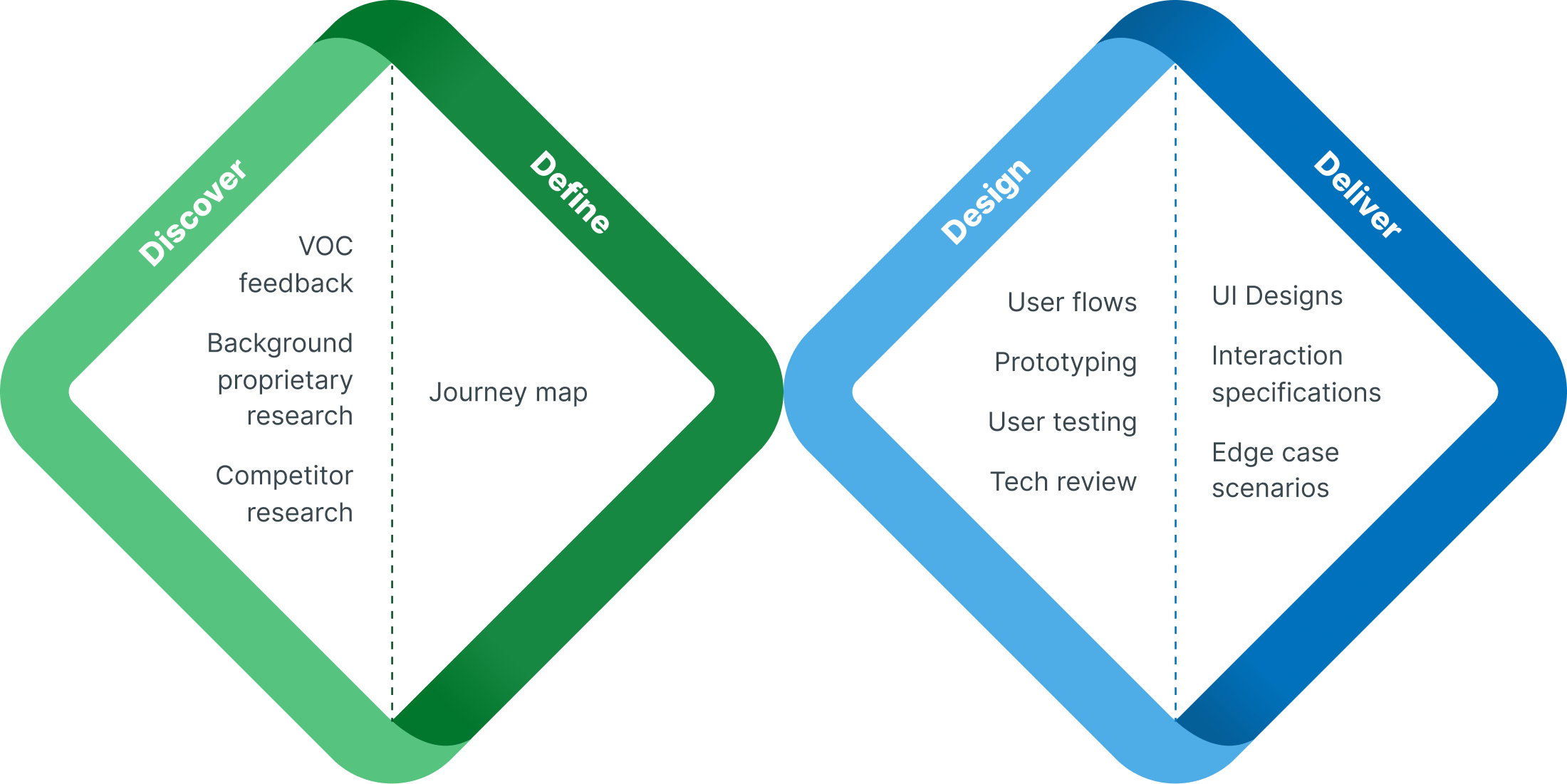
During the discovery phase, primary research was not required as we relied upon the 'Voice of Customer' (VOC) feedback and previous Scan&Go UX research. Whilst I collaborated with stakeholders, UX research and Service Design, the entire design process involved an even tighter collaboration with my squad's tech lead and the Scan&Go squad. Technical governance was required due to code complexities and ownership of the Scan&Go codebase. As a result of this, my design explorations had to be scaled back or descoped to achieve technical feasibility.
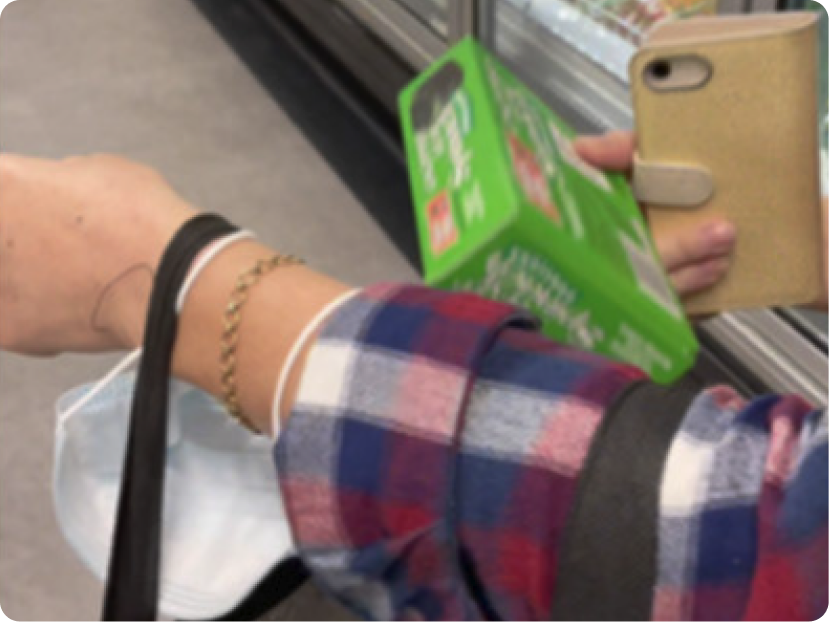
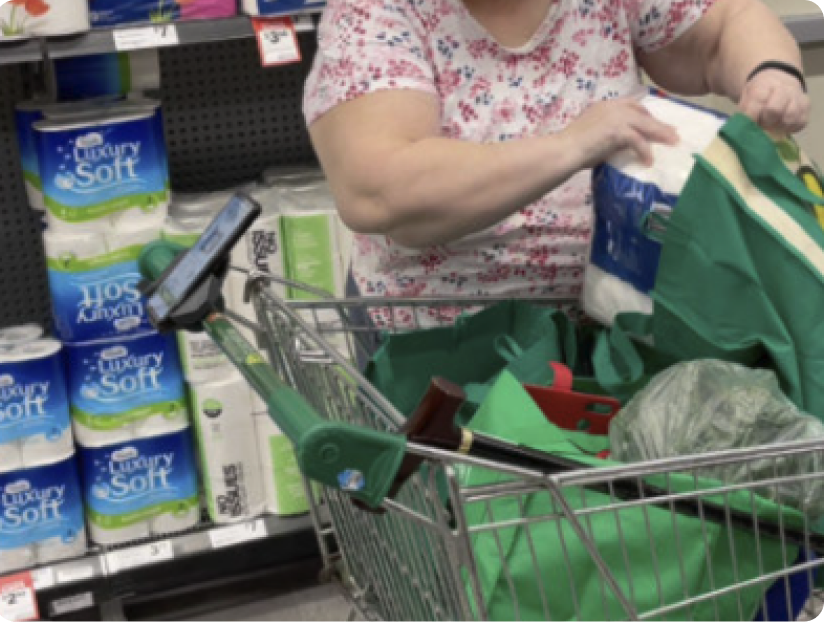
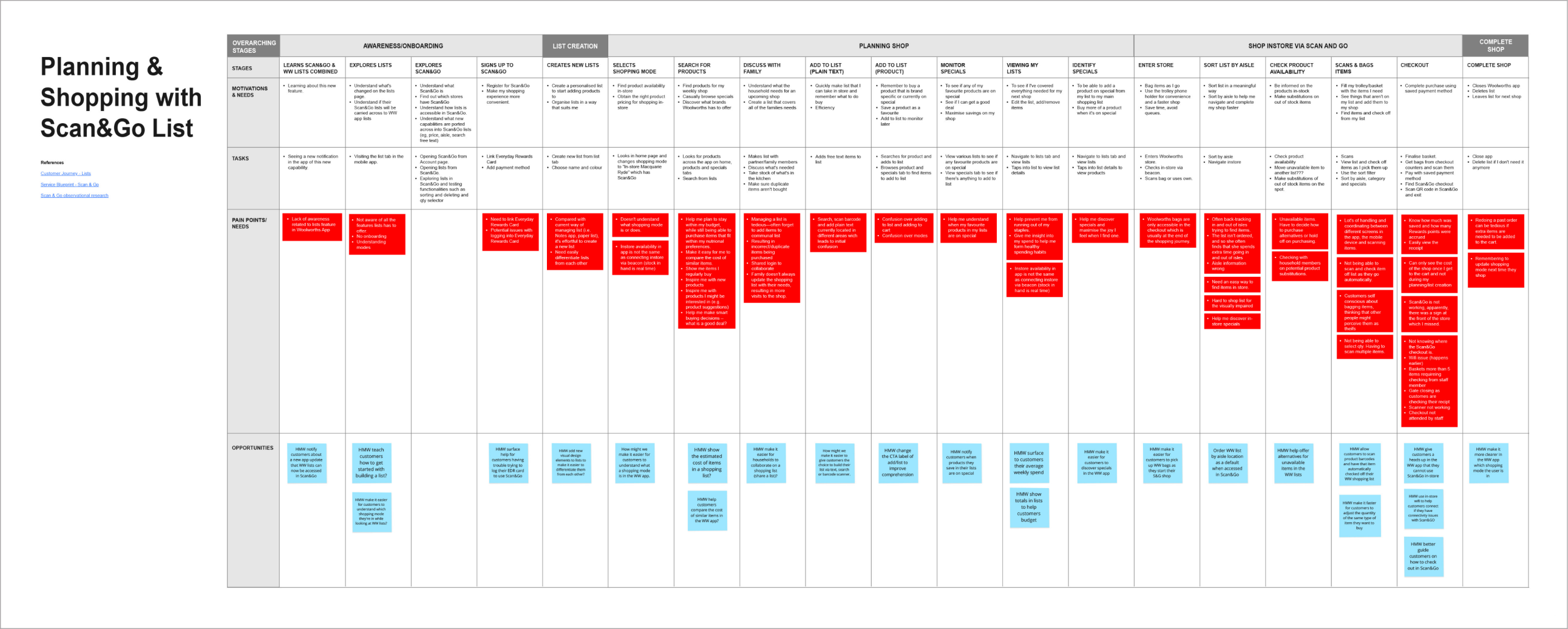
User journey mapping and user flows revealed that the Scan&Go lists experience involved a lot of repetitive scanning and lists tasks. Since Scan&Go shoppers have a higher Average Order Value (AOV) than the average in-store shopper, we expected Scan&Go shops to be relatively large in the number of items scanned. Therefore, it was paramount to optimise the number of repetitive steps involved by designing the following enhancements:
Users can nominate a Woolworths shopping list to use for the duration of their Scan&Go shop.
A scan button is added to the bottom of the shopping list to facilitate efficient and ergonomic scanning interactions.
As requested by customers in VOC feedback, scanned items are automatically check off in the Woolworths shopping list.
In Woolworths shopping lists, customers can specify the quantity of each item they intend to buy. To handle edge cases for different barcode types, we have designed the system so that an item is automatically checked off the list upon its first scan.
A solution that integrates Woolworths shopping lists within Scan&Go for a more intuitive and seamless shopping experience. It transforms Scan&Go from a siloed feature into a more complete shopping experience. This aligned with WooliesX's ecosystem strategy.
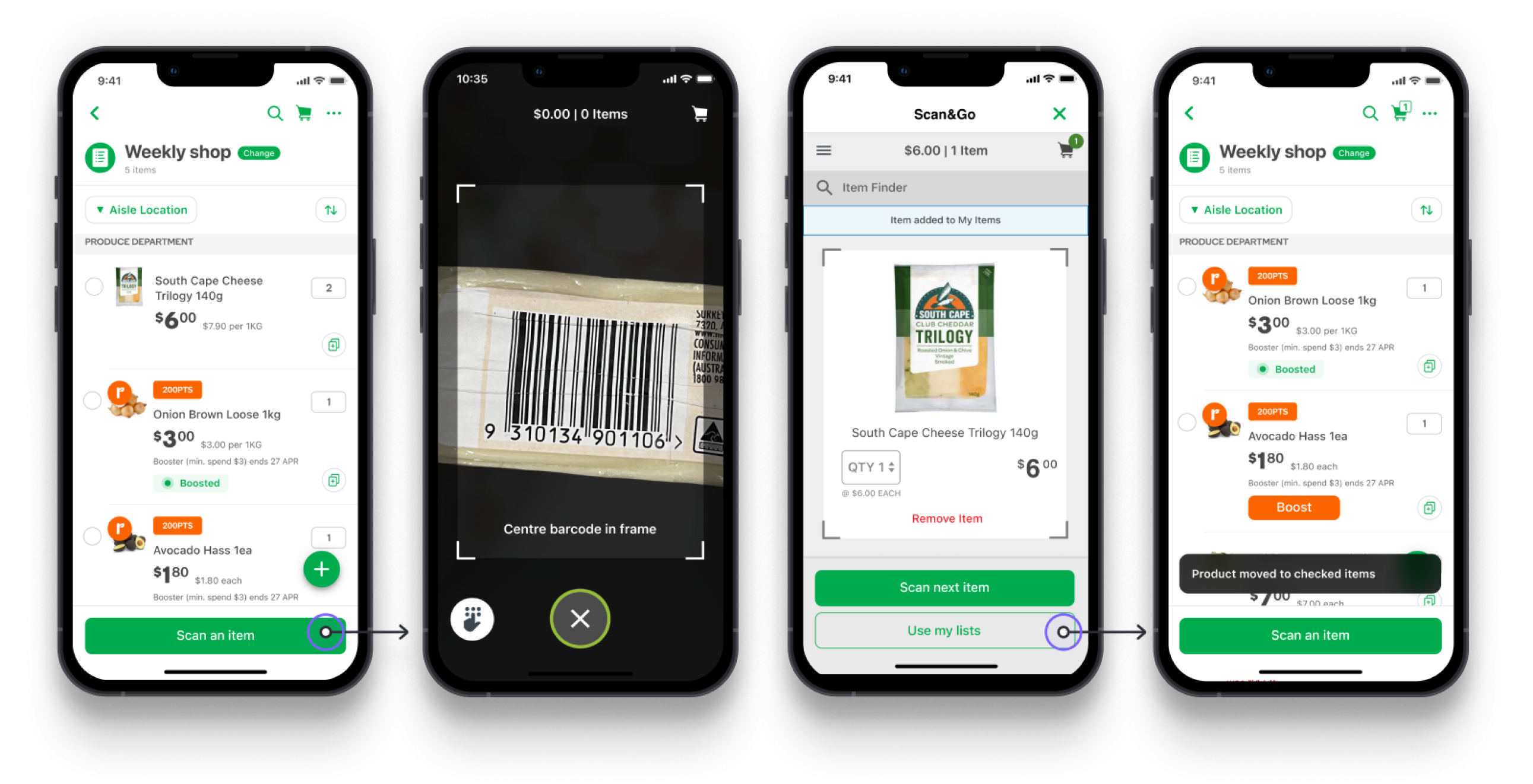
This new seamless and integrated experience addressed the pain points that were the top detractors for Scan&Go. The results show improvements in user engagement and shopping efficiency.
Increase in Scan&Go list Voice of Customer score
Increase in overall Scan&Go Voice of Customer score
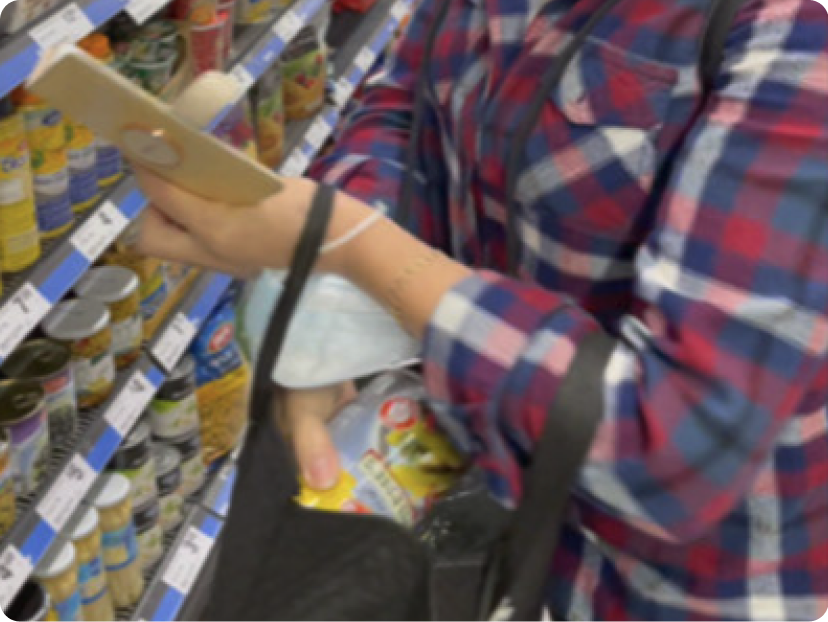
During in-store testing of prototyped shopping lists, participants found it hard to locate unfamiliar products on the shelves. Using familiar products can reduce this friction and produce purer behavioural insights.
The unexpected complex legacy code forced us to pair back ambitious designs to maintain project feasibility. This highlighted the importance of partnering closely with engineering throughout the entire design process.
We can't always assume Scan&Go shoppers will use their phone with their dominant hand. Swipe gestures proved challenging during testing and the scan button needed to be full width of the screen for easy reach.